

The image
A vendor BSP you can't rebuild
The SDK image that made the demo work was flashed once. Nothing records how it was built, so nobody can reproduce it.
EDGE AI INFRASTRUCTURE
Production-ready Linux, supported accelerators, prebuilt AI packages, and repeatable deployment workflows, so AI workloads move from development into the field.
The gap
The hard part of edge AI is not getting a model to run once. It is keeping that workload buildable, shippable, and updatable on hardware you do not control.
Vendor SDKs and desktop distros get a demo running fast, then stop being the thing you can ship.
The image
The SDK image that made the demo work was flashed once. Nothing records how it was built, so nobody can reproduce it.
The AI stack
Runtimes, drivers, and Python packages installed by hand on whichever machine was nearby. Every box drifts from the last.
The lifecycle
No way to get a better model onto a device already in service, and OS maintenance and CVE response land on your team.
Avocado gives the same workload a maintained base you can build, ship, and update.
The image
The same configuration produces the same image on every machine, including the one that builds your release.
One imageThe AI stack
Declare the accelerator runtime and the AI libraries beside the rest of the system. The build resolves them once and records the result.
DependenciesThe lifecycle
Ship models and applications over the air from Connect, on a base that someone else patches.
In the fieldSupported hardware
Pick the silicon your product needs. Every target below builds from the same declarative configuration and the same CLI. There is no per-vendor toolchain to stand up first.
NVIDIA
Orin Nano
67 TOPS · Ampere GPU, 1024 CUDA cores
NVIDIA
Orin NX
100 TOPS · Ampere GPU, 1024 CUDA cores
NVIDIA
Jetson AGX
275 TOPS · Ampere GPU, 2048 CUDA cores
NXP
i.MX 8M Plus
2.3 TOPS · Integrated NPU
NXP
i.MX 93
0.5 TOPS · Arm Ethos-U65 microNPU
NXP
i.MX 95
eIQ Neutron NPU
Renesas
RZ/V2H
Integrated AI accelerator
Synaptics
Grinn AstraSOM-1680
Integrated NPU
No board yet? Build against QEMU (virtual), then change one line to a real target.
View all supported hardwareDependencies
Declare the AI stack alongside the rest of the system. The build resolves it once, records it in the image, and produces the same result on every machine.
Put the AI stack and the rest of the workload in one manifest.
The build pulls from pinned feeds and records what landed in the image.
Every machine gets the same resolved result, no device-side installs.
One image
Local iteration and the production artifact are the same declarative build. The AI stack your application was developed against is the one that boots in the field.
Declared in one config, not assembled by hand on each machine. How Avocado OS builds the image
Packages resolve from pinned feeds, so the same config rebuilds the same image.
Flash the signed image to your dev kit, then to the units you ship.
Name the accelerator, the AI packages, and your application. Nothing about the stack is left to a machine’s history.
$ avocado install
avocado build
avocado provisionThree commands take the declared config to a signed image, then onto the dev kit in front of you.
Models and applications move over the air, and only the layer that changed gets pushed. See how Connect ships updates
In the field
A model that improves is only useful if you can get it onto hardware already in service. Peridio Connect handles the rollout, the segmentation, and the access.
Ship a new model or a new application version without rebuilding and reflashing the whole system.
Composed image
Device partitions · A/B
Slot A
v1.2.2
standby
Slot B
v1.2.3
active
Roll out to a cohort first (canary, staging, then production) instead of every device at once.
Watch an update land device by device, and stop or roll back when a cohort reports trouble.
Updated
Updated
Rolled back
Updated
Open a tunnel to a specific device to inspect a failing inference run on the hardware it happened on.
Secure session
Workloads
Different workloads, the same infrastructure underneath. Follow a card for the depth on that one.
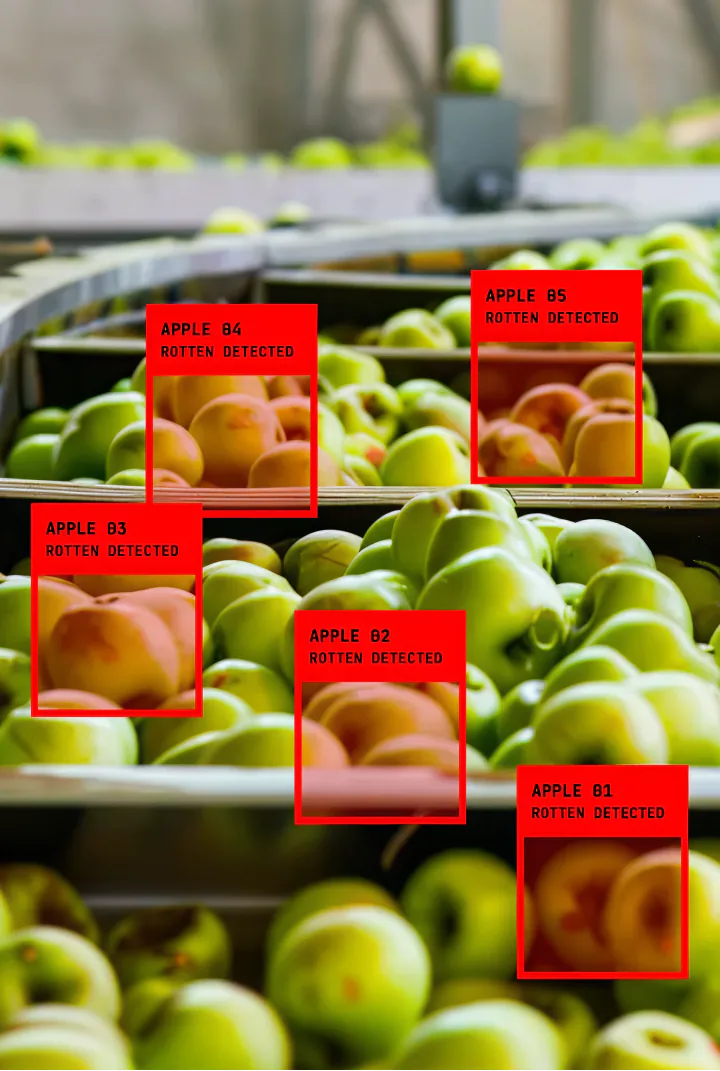
Camera pipelines running detection or classification on-device, where inference has to keep up with the sensor rather than a round trip to a server.
Jetson Orin · i.MX 8M Plus
Read more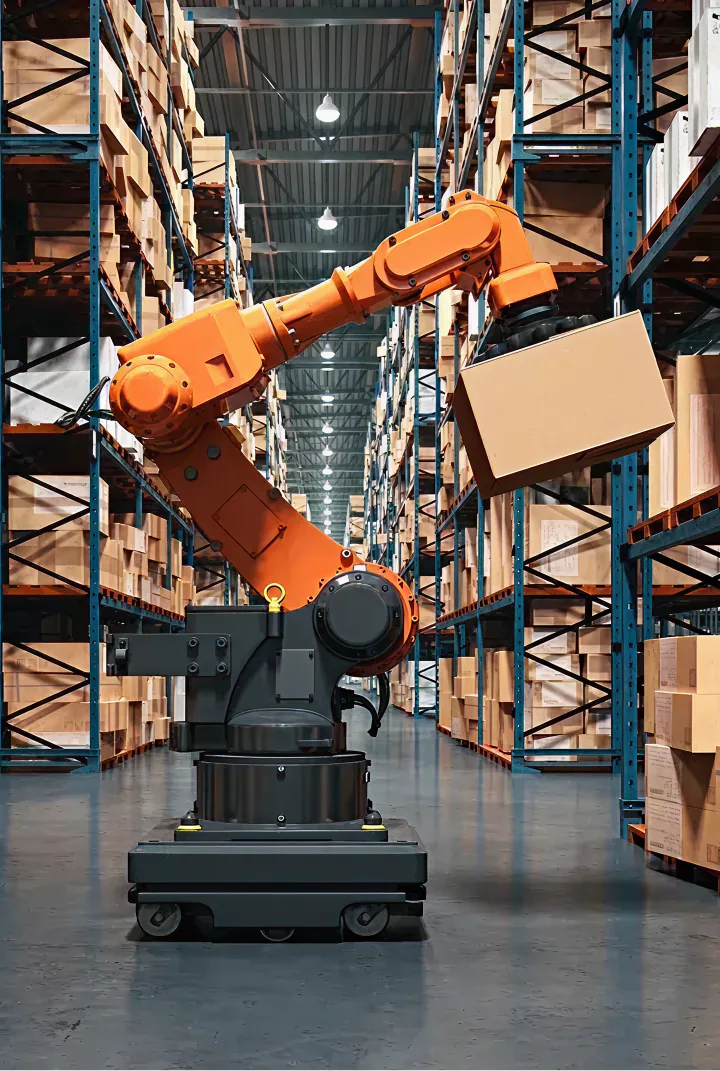
Perception and navigation stacks that need GPU-accelerated runtimes and a maintained base OS underneath them.
Jetson Orin NX · Jetson AGX Orin
Read more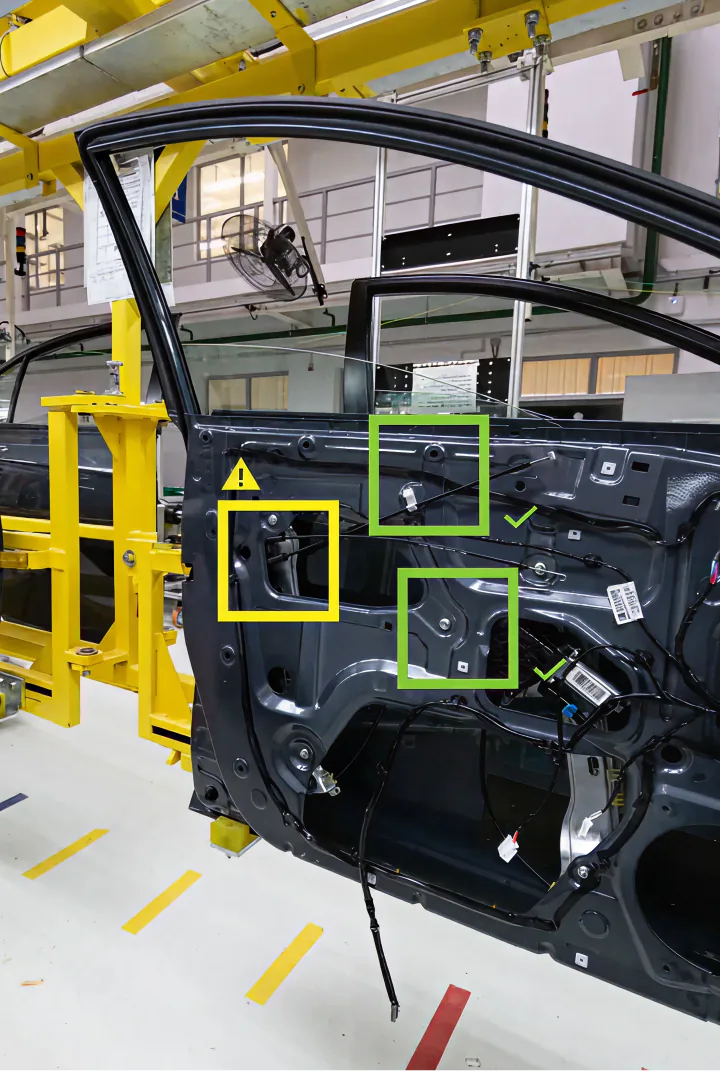
Fixed-position quality and defect detection on the line, where a device may run for years between physical visits.
i.MX 95 · Jetson Orin Nano
Read moreNext step
Four ways in, depending on how far along you already are.
Check the hardware
The support matrix lists every validated board, the accelerator on it, and what ships pre-validated.
View all supported hardwareStart building
Go from a clean machine to a signed image running on a dev kit, following the documented path.
QuickstartBuilding a robot
Perception stacks, Jetson specifics, and the lab-to-field problem get their own treatment.
Go to RoboticsTalk it through
Bring your accelerator, your runtime, and your timeline, and we will tell you what is validated.
Talk to an engineer